Access their programme
The patient views the exercises and instructions you have prepared, with the planned schedule.
Théra, the patient app
Théra is the patient app connected to Manu. Patients invited by their practitioner access their exercises, instructions and questionnaires, then share feedback. You prepare the next steps in Manu.
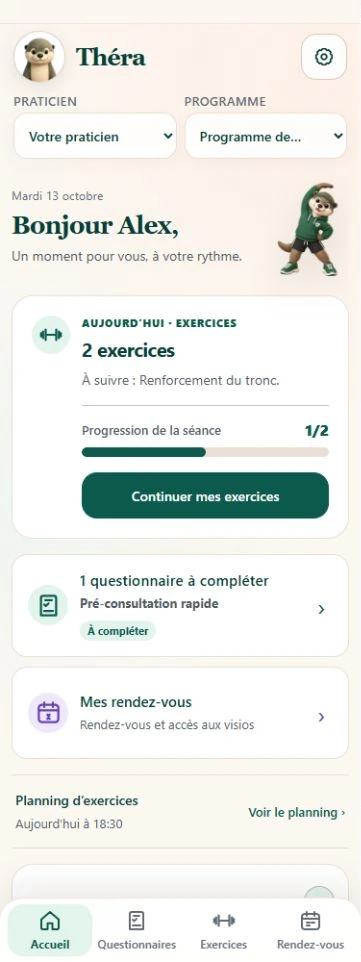
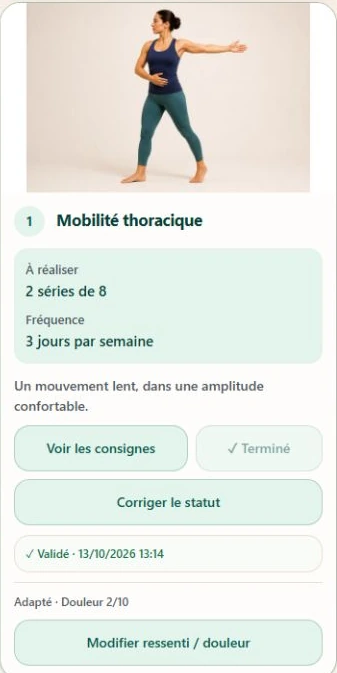
Prepare follow-up in your practitioner workspace. The patient accesses what you share with them in their app.
The patient views the exercises and instructions you have prepared, with the planned schedule.
They report completed exercises, difficulties or how they feel, then answer the proposed questionnaires.
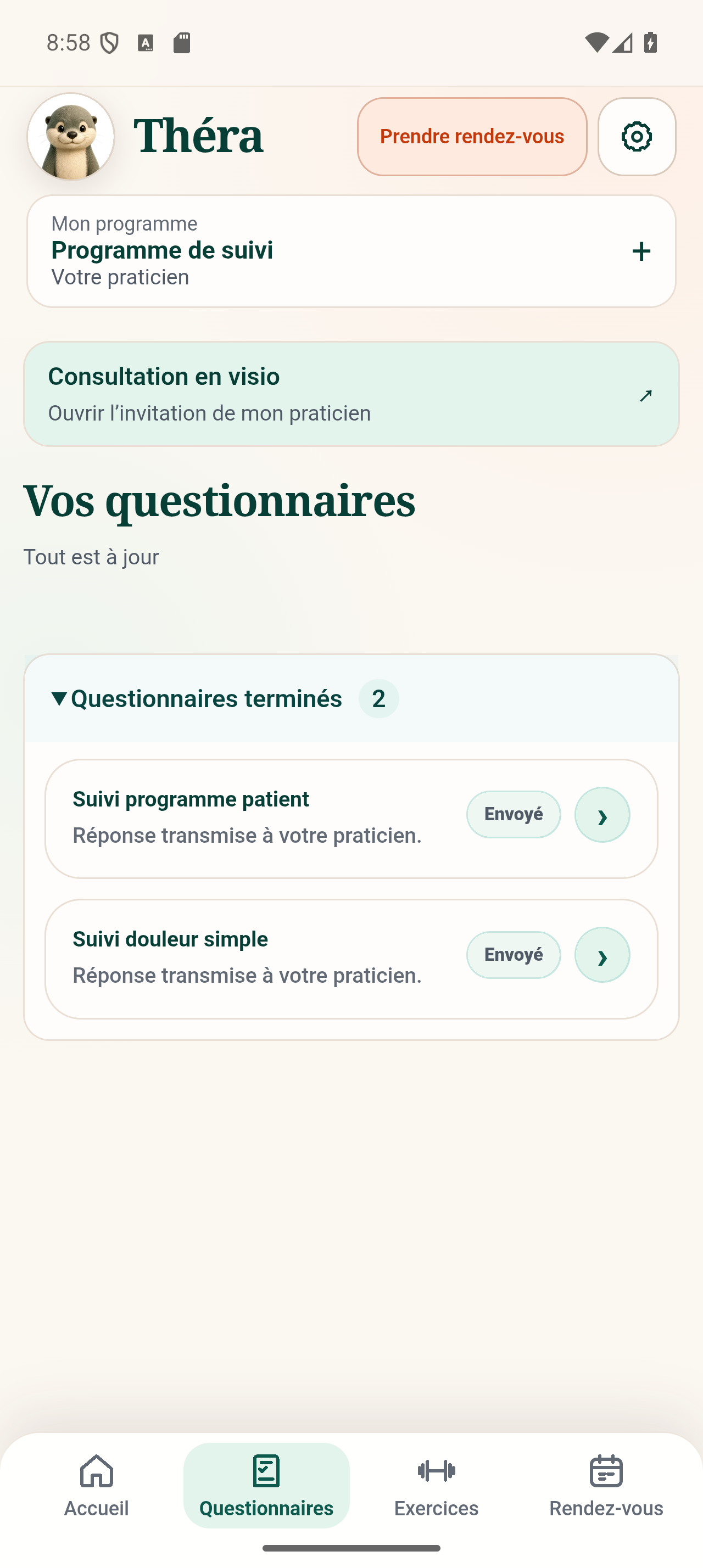
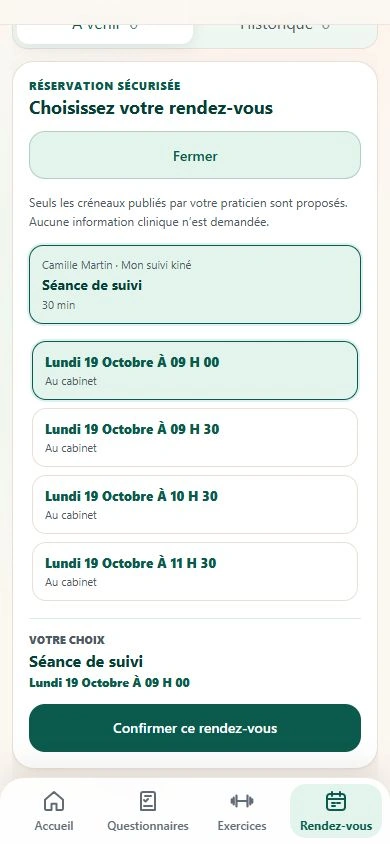
You access feedback in Manu. The patient can see their practitioner's available time slots and video invitations.
Screens from the real Théra app, using demonstration data. Tap an image to enlarge it.
Are you a patient? Your practitioner must first invite you from Manu.
Download the patient app using the official links below. Manu is the practitioner's app; Théra is the patient's app.
Enter the email address to which your practitioner sent your programme. This address is used to find your workspace.
Check your email and enter the code in Théra. You do not need to create a password.
Access to your programme requires an invitation from your practitioner.
The appointment continues the follow-up you planned together.
When your practitioner offers booking in Théra, choose from the available time slots. They can also provide their Doctolib link.
Open your practitioner's invitation in Théra. Your camera and microphone are used with your permission during the consultation.
Exercises, instructions and feedback stay together in the programme. You can choose to enable the notifications and reminders offered in the app.
Find useful information about using Théra.
Useful information to get started.
No. Use the email address to which your practitioner sent the programme, then the temporary code received by email.
Your practitioner must invite you from Manu so you can access the programme they have prepared for you.
Your practitioner prepares the programme in Manu and adapts it to your situation. The app lets you access their instructions and send them your feedback.
When your practitioner offers a video consultation, open their invitation in Théra. Allow camera and microphone access if you wish to use them for the consultation.
The account deletion page explains the process. Closing your patient access does not necessarily mean deleting the record your practitioner must retain.
Prepare programmes in Manu and access your patients' feedback.
Page updated on 21 October 2026.